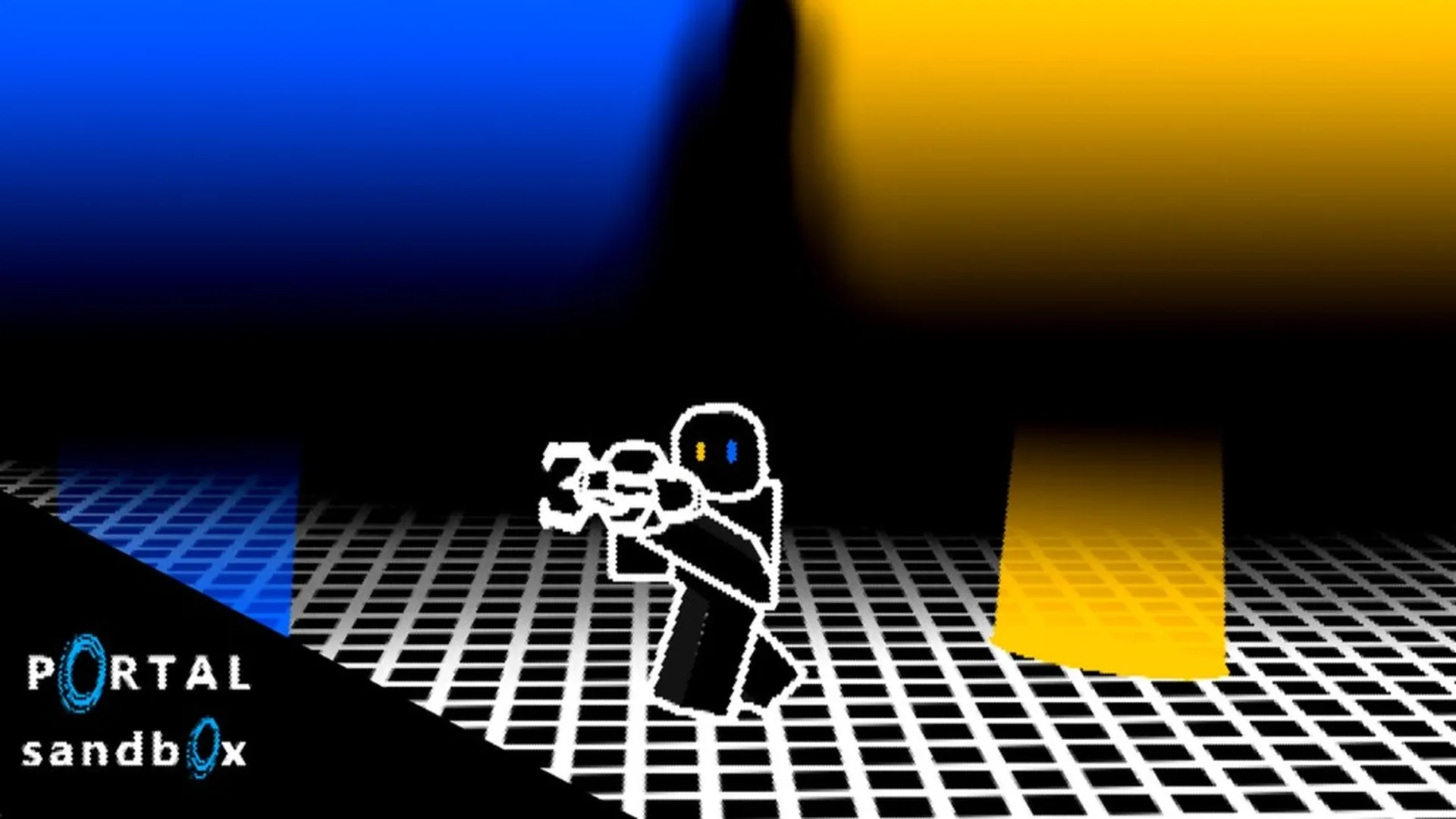
- Portal Sandbox with friends works best with a shared experiment, clear roles, and a private session.
- Start simple by placing two portals, testing the route, and changing one layout variable at a time.
- Use private servers when you need uninterrupted building, repeatable testing, or friends-only collaboration.
- Assign roles such as builder, tester, observer, and reset coordinator for smoother group sessions.
- Check current access on the official Roblox experience page before planning a larger co-op activity.
Portal Sandbox with Friends: Best Co-op Setup
Portal Sandbox with friends is most enjoyable when everyone has a clear task. Instead of placing portals randomly, begin with a small shared objective: create a route, move an object, reach a landmark, or build a short obstacle challenge. This approach gives the group a repeatable activity while leaving room for creative experimentation.
The experience is centered on open-ended sandbox testing rather than a fixed campaign route. A private session can therefore be useful for groups that want to preserve a layout, compare solutions, or practice without unrelated activity changing the scene.
Solo Preparation
- Test the first portal route before inviting the group.
- Mark a starting point and destination.
- Remove unnecessary objects from the test area.
Friends-Only Testing
- Assign each player a specific role.
- Agree on one experiment objective.
- Change only one variable between attempts.
Creative Building
- Construct obstacle routes and portal checkpoints.
- Use recognizable landmarks for navigation.
- Save successful layouts through notes or screenshots.
| Session Type | Recommended Goal | Best Group Size | Main Advantage |
|---|---|---|---|
| Practice Room | Learn portal placement | 1–2 players | Fewer distractions |
| Friends-Only Experiment | Test movement or objects | 2–4 players | Easy coordination |
| Creative Build | Make a route or challenge | 2–4 players | Shared construction |
| Demonstration Session | Show a working setup | 2–3 players | Clear observer role |
Choose one measurable goal before the session starts. “Reach the upper platform” or “move the object to the marked area” is easier to coordinate than a broad instruction such as “build something interesting.”
To begin, open the official Portal Sandbox Roblox page and confirm that the live experience is available to your group. If you want fewer interruptions, review the private server page before inviting friends.
Step-by-Step Friends Session
A good group session follows a short loop: prepare the space, create a basic connection, test it, and then expand the layout. This method keeps new players involved while giving experienced players room to solve more difficult movement problems.
Choose a shared objective
Decide whether the group will build a traversal route, test object movement, create a checkpoint course, or compare several portal layouts. Keep the first objective small enough to complete in one session.
Set up the starting area
Pick a visible starting point and a destination. Use nearby floor or wall surfaces first so every player can easily see the portal connection and understand the intended route.
Place the first portal
The builder aims at a suitable surface and places the first portal. The observer should confirm its position while the tester checks whether the opening is easy to approach.
Place and test the second portal
Place the second portal on another compatible surface, then have one player walk through the connection. Watch the exit position, approach angle, and continued movement after leaving the portal.
Change one variable
Move one portal, adjust the destination height, or introduce an object. Repeat the test and compare the result with the original setup instead of changing several parts at once.
| Phase | Builder | Tester | Observer |
|---|---|---|---|
| Setup | Places initial portals | Checks approach path | Watches alignment |
| First Test | Keeps layout unchanged | Walks through route | Records result |
| Revision | Moves one portal | Repeats the route | Compares outcomes |
| Final Run | Prepares finished layout | Demonstrates solution | Explains key steps |
Run each experiment twice: once with the original layout and once after changing a single portal position. This makes it easier to identify which adjustment affected the result.
The exact input presentation can vary by device. On keyboard and mouse, players generally benefit from precise aiming and quick movement control. On touch devices or controllers, keep the camera close to the target surface and use simple layouts until portal placement feels consistent.
Co-op Building Ideas and Challenges
Friends can turn a basic portal connection into a shared challenge by adding a destination, a time goal, or an object route. The strongest activities are easy to explain but flexible enough to produce different solutions.
Checkpoint Course
Connect several recognizable areas and require players to pass through them in order. Change one portal to create an alternate route.
Object Delivery
Move an interactable object from a starting area to a marked destination. One player handles the route while another watches the object.
Landing Challenge
Use floor and elevated surfaces to test how entry direction affects the exit position. Mark a safe landing area for repeat attempts.
Observation Loop
Build a compact route between connected viewpoints. Ask players to compare movement, camera position, and portal orientation.
| Challenge | Required Setup | Suggested Rule | Difficulty |
|---|---|---|---|
| Floor-to-Wall Route | One floor surface, one wall surface | Finish without replacing portals | Easy |
| Portal Checkpoint Course | Two or more route sections | Visit landmarks in order | Moderate |
| Object Delivery Lane | Movable object, destination zone | Do not carry the object directly | Moderate |
| Height Comparison | Lower entry, elevated exit | Compare three approach angles | Advanced |
| Multi-Route Test | Several compatible surfaces | Find the shortest working path | Advanced |
Try these variations to keep a session fresh:
- Builder swap: Each player receives one turn to design the layout.
- Observer notes: One player records the portal positions and successful approach direction.
- No-reset attempt: The group must complete the route without replacing either portal.
- Route comparison: Teams test separate layouts and compare distance, clarity, and repeatability.
- Creative showcase: Finish by demonstrating the best layout to every player in the session.
Build challenges around clear landmarks. A visible destination makes it easier to judge progress, explain mistakes, and compare two portal arrangements without relying on memory.
Keep the first challenge short. If a route becomes confusing, remove one portal and rebuild the experiment with fewer surfaces. Small, repeatable tests usually teach more than a large layout that no one can explain.
Private Servers, Devices, and Session Control
A private server is useful when the group needs a stable testing area. It can support solo practice, friends-only collaboration, and creative construction without public-server activity interfering with a planned setup. Availability and access conditions can change, so verify the current options through Roblox before organizing a session.
| Device | Best Use | Strengths | Watch For |
|---|---|---|---|
| PC | Detailed building and testing | Precise aiming, larger display, flexible movement | Hardware and connection performance |
| Console | Comfortable group play | Controller movement, larger-screen access | Portal aiming may need practice |
| Mobile | Casual testing and review | Portable access, quick sessions | Smaller screen and touch precision |
| Mixed Devices | Friends with different hardware | Flexible group access | Different control habits and camera behavior |
Use the following preparation checklist before starting a group experiment.
Friends Session Checklist:
- Confirm every player can enter the current Portal Sandbox experience
- Choose one objective and mark the starting area
- Assign builder, tester, observer, and reset roles
- Test a simple two-portal route before adding objects
- Record the successful layout before changing it
For a smoother session, use voice or text chat to announce when a portal is being replaced. A player who moves a portal without warning can invalidate another player’s test. Simple callouts such as “reset,” “first portal ready,” and “run the route” are enough for most small groups.
Do not change several portals, objects, and destinations at the same time. If the group cannot identify what changed, rebuild the simplest version of the layout and test each adjustment separately.
The official Roblox experience page should remain the primary place to check current access and live presentation. For public developer information, review the Portal Sandbox developer profile and separate current features from older tests or announcements.
Portal Sandbox with Friends FAQ
Use these answers as a quick reference when planning a group session. Because the live Roblox experience can change, confirm access and available features before relying on a specific multiplayer setup.
Q: What is the best way to play Portal Sandbox with friends?
Use a private or controlled session when available, choose one shared objective, and assign clear roles. Start with a simple two-portal route before adding objects, height changes, or multiple destinations.
Q: What should friends build together in Portal Sandbox?
Good starting projects include checkpoint courses, object delivery lanes, floor-to-wall routes, landing challenges, and compact observation loops. Each project can be expanded after the basic version works.
Q: How many players should join a portal experiment?
Two to four players is a practical group size for most experiments. One player can build, another can test, and additional players can observe, record results, or manage the challenge objective.
Q: Can players use different devices in the same session?
A mixed-device group may be possible through Roblox-supported access, but controls and aiming precision can differ. Confirm the current experience support and use simpler portal layouts when players are learning unfamiliar controls.
The most useful co-op sessions end with a repeatable result. Save the winning layout, explain why it worked, and then change one feature to create the next challenge.