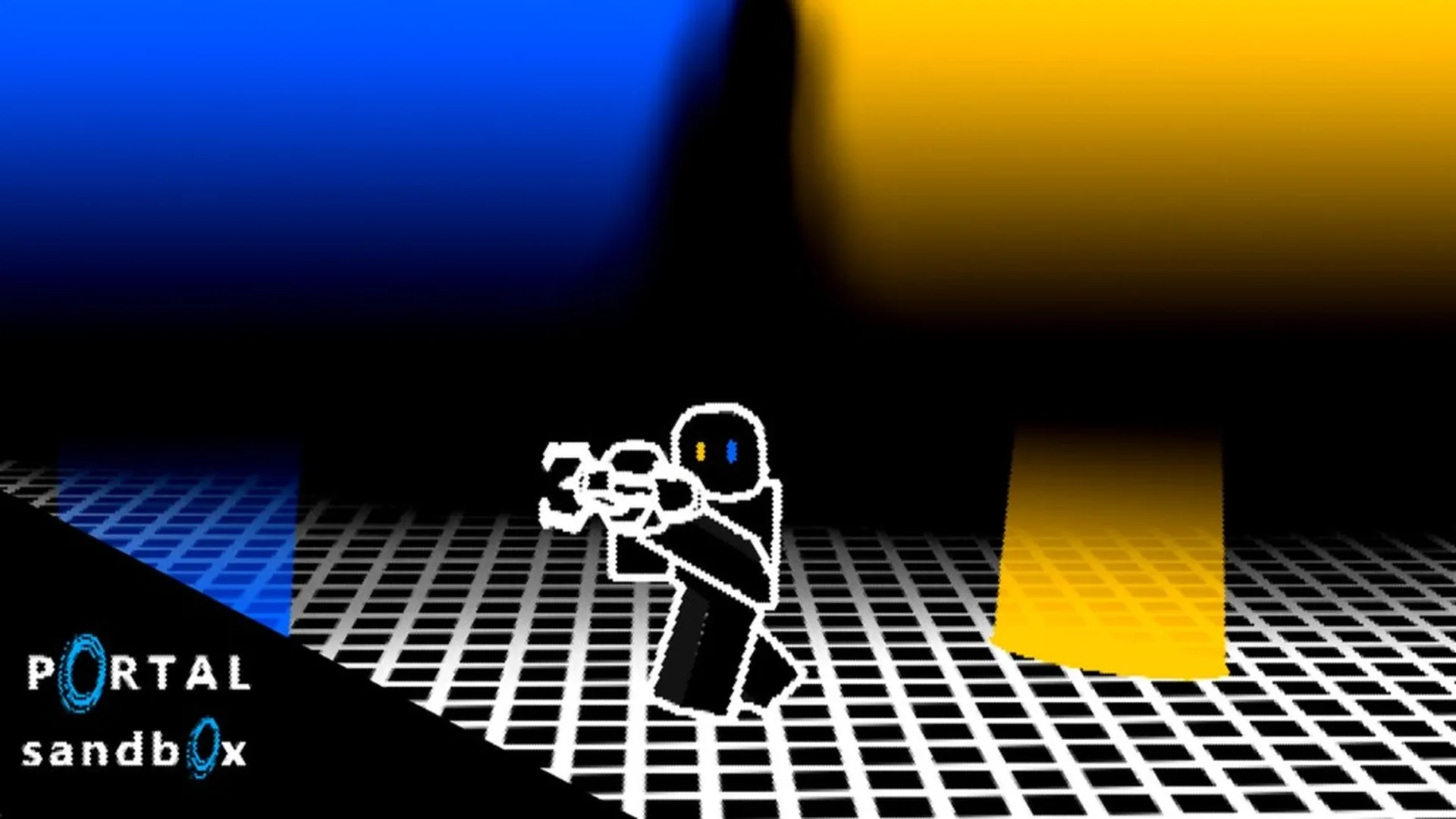
- Portal Sandbox co-op works best when players assign roles before building a portal route.
- Private servers provide a focused space for solo testing, friends-only collaboration, and creative construction.
- Start small with two connected portals before attempting multi-step physics experiments.
- Use clear callouts for portal locations, target surfaces, object routes, and reset points.
- Separate testing from building so the team can identify which change affected the result.
Portal Sandbox Co Op Basics
Portal Sandbox co-op is most effective as a shared experimentation session. Instead of following a fixed campaign route, players can coordinate portal placement, movement tests, object transfers, and creative builds inside the sandbox. The strongest sessions use a simple plan: one player prepares the setup, another tests the route, and the group records what changes after each attempt.
A private server is especially useful when the team needs a controlled environment. It can reduce interruptions from public-server activity and make repeated experiments easier to reproduce. For friends working on a puzzle route or demonstration build, a separate session also makes it easier to agree on a common starting point.
| Co-Op Activity | Recommended Setup | Main Team Goal |
|---|---|---|
| Portal practice | Two players, nearby flat surfaces | Learn placement and entry angles |
| Object transfer | One builder, one observer | Move an object through a connected route |
| Creative construction | Small friend group, private server | Build a course or portal-based scene |
| Physics testing | One controlled variable at a time | Compare movement, height, and exit direction |
| Route challenge | Marked start and finish areas | Complete a shared traversal objective |
Choose one player as the setup lead for the first attempt. This keeps portal placement consistent and makes later changes easier to compare.
Setup Lead
- Places the first portal pair
- Marks the starting area
- Explains the intended route
- Resets the layout when testing ends
Test Player
- Walks through the route
- Reports exit position and movement
- Tests different approach angles
- Identifies failed connections
Observer
- Watches object behavior
- Tracks changes between attempts
- Calls out unsafe or unclear placements
- Helps compare alternate layouts
How to Set Up a Co Op Session
Before starting a complicated build, define the session objective. A clear goal could be testing a floor-to-wall connection, moving an object to a marked destination, or creating a short checkpoint course. Avoid changing several portals and objects at the same time because the group may not know which adjustment produced the new result.
The following process keeps a cooperative session organized from the first portal placement through the final test.
Choose the session type
Decide whether the group is practicing controls, testing portal physics, moving an object, or constructing a reusable challenge. Select a private server when the team needs uninterrupted space for repeated attempts.
Mark the starting area
Select a visible floor or wall section as the starting point. Use a nearby landmark to identify the entry portal, destination portal, target object, and reset location.
Assign player roles
Give each participant a specific responsibility. One player can place portals, another can test movement, and a third can observe objects or record the result.
Build the simplest route
Start with two compatible surfaces and a short connection. Test the route immediately before adding height differences, extra portals, objects, or obstacle sections.
Change one variable
Reposition one portal, change the approach angle, or move the destination. Run the same test again and compare the result with the original layout.
| Session Phase | Lead Question | Useful Result |
|---|---|---|
| Planning | What are we testing? | A specific shared objective |
| Setup | Where are the entry and exit points? | A repeatable starting layout |
| First test | Does the basic connection work? | A stable baseline |
| Adjustment | What single variable changed? | A clearer comparison |
| Review | What should we keep or rebuild? | A refined co-op design |
A successful co-op experiment should be repeatable. If the result changes, return to the original layout and test the same route before adding another mechanic.
Co Op Portal Placement and Controls
The portal gun is the central tool for cooperative play. The exact input presentation can vary by device, but the shared method remains consistent: aim at a compatible surface, place the required portal type, connect the two locations, and test the route.
Communication matters more when players are standing in different parts of the sandbox. Use short descriptions such as “blue portal on the left wall” or “exit above the marked floor.” This reduces confusion when several surfaces look similar.
| Action | PC and Mouse | Touch Device | Co-Op Communication |
|---|---|---|---|
| Aim at a surface | Use mouse movement | Adjust the camera and touch aim | Name the target surface |
| Place a portal | Use the available portal input | Select the matching on-screen control | Confirm the portal type |
| Enter the route | Move toward the portal | Use touch movement controls | Call out the test start |
| Replace a portal | Aim at a new compatible surface | Aim and use the placement control | State which portal moved |
| Inspect the result | Observe exit position and direction | Reposition the camera | Report what changed |
A practical co-op callout system can use four labels:
- Entry: The portal where the player or object begins.
- Exit: The portal connected to the destination.
- Target: The surface or area the team is trying to reach.
- Reset: The location used to rebuild the experiment.
If a portal does not behave as expected, return to a nearby flat surface and rebuild the pair. Irregular or unsuitable surfaces may not support the intended layout, and a smaller setup is easier for the whole group to inspect.
Do not assume that a portal route is stable simply because it works once. Test the same connection from a consistent starting position before adding extra movement or objects.
Co Op Building Ideas and Physics Tests
Portal Sandbox supports creative group activities that go beyond basic movement. Teams can design short obstacle routes, object delivery lanes, looping observation areas, or shared demonstrations. The best projects are modular: build one section, test it, then connect it to the next section.
| Build Idea | Required Setup | Cooperative Challenge |
|---|---|---|
| Floor-to-wall route | One floor surface and one wall | Reach the exit without changing the portals |
| Portal checkpoint course | Several recognizable landmarks | Complete each section in the planned order |
| Object delivery lane | Movable object and marked destination | Transfer the object to the correct area |
| Launch and landing test | Lower entry and elevated exit | Compare landing positions across attempts |
| Looping observation chamber | Multiple connected viewpoints | Study how route direction changes movement |
For physics experiments, keep the team focused on one question. For example, players can compare how a different exit height affects movement, or whether changing the portal angle alters an object’s final position. Avoid adding multiple new portals before the group understands the current route.
Create a clear win condition for every shared build. “Reach the upper platform” or “deliver the object to the marked area” gives the team a measurable target.
Traversal Course
Build several short routes with visible checkpoints. Players can alternate between testing and redesigning each section.
Object Delivery
Create an entry area and destination area for a movable object. One player manages the setup while another observes the transfer.
Physics Lab
Compare height, direction, and approach speed using the same portal layout. Change only one condition per attempt.
Co-Op Session Checklist:
- Choose a private server or a clear shared testing area
- Define the experiment or build objective
- Assign setup, testing, and observation roles
- Mark entry, exit, target, and reset locations
- Change one portal or movement variable at a time
Troubleshooting Shared Sandbox Sessions
Co-op experiments can become difficult to follow when players place portals without announcing the change, move objects before the baseline test is complete, or rebuild several parts of the scene at once. A simple reset procedure usually restores clarity.
Start by returning to the last layout that produced a predictable result. Remove unnecessary portals from the plan, identify the two surfaces being tested, and have one player complete the route while the others observe. Once the team confirms the baseline, introduce one adjustment.
| Problem | Likely Cause | Recommended Fix |
|---|---|---|
| Players cannot agree on the route | Portal locations were not announced | Use entry, exit, target, and reset labels |
| The result changes between attempts | Multiple variables changed | Restore the baseline and adjust one factor |
| An object reaches the wrong area | Exit orientation or position changed | Recheck the exit portal and destination marker |
| The setup is disrupted | Public-server activity interferes | Move the experiment to a private server |
| A portal will not attach as planned | Surface may be unsuitable | Try a nearby flat, visible surface |
Use a short review after every test:
- What was the original setup?
- Which portal or object changed?
- Where did the player or object exit?
- Did the result match the team’s goal?
- What should remain unchanged during the next attempt?
When a cooperative setup fails, simplify instead of adding more portals. A small, repeatable route reveals the cause faster than a crowded experimental build.
Portal Sandbox Co Op FAQ
Q: What is the best way to start Portal Sandbox co op?
Begin with a private or clearly controlled session, assign roles, and test one pair of portals on nearby compatible surfaces. Add objects, height differences, or extra routes only after the basic connection is understood.
Q: Are private servers useful for cooperative Portal Sandbox experiments?
Yes. Private servers are suited to friends-only collaboration, creative construction, repeated physics tests, and sessions where outside activity could interrupt the setup.
Q: How should players communicate portal locations?
Use short labels such as entry, exit, target, and reset. Add a landmark or direction, such as left wall or upper platform, so every player can identify the same location.
Q: What should the team do when a portal experiment stops working?
Return to the last reliable layout, remove unnecessary changes, and repeat the baseline test. Then change one portal position, surface, or movement condition at a time.
The most dependable co-op sessions are structured as small experiments. Build a simple route, communicate every change, and expand the design only after the group can reproduce the result.