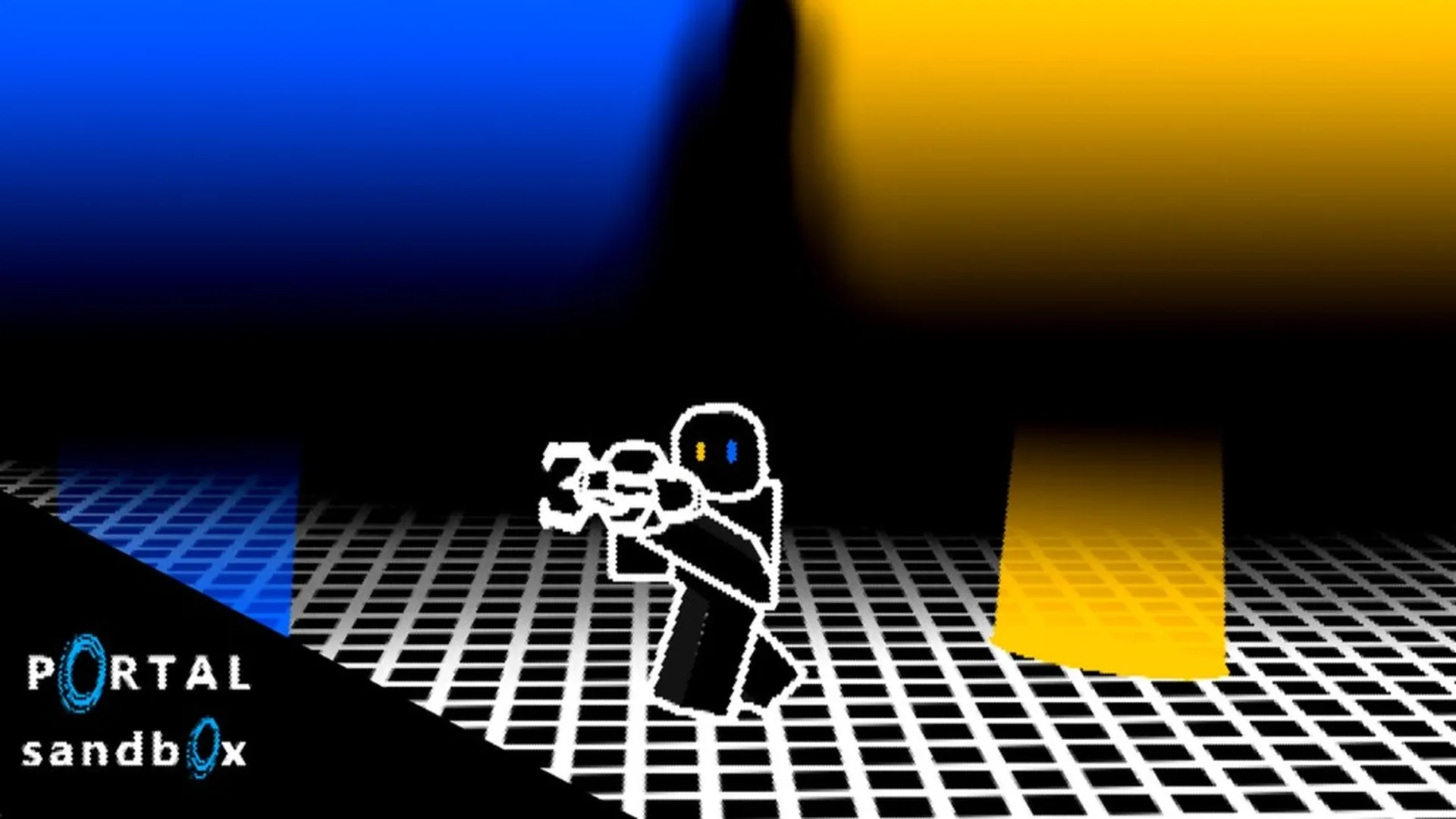
- Portal Sandbox multiplayer works best for shared experiments, creative builds, and portal-based challenges.
- Start small with two players, a clear test area, and one portal objective.
- Use a private server when you need uninterrupted space for building or repeated experiments.
- Assign roles before testing so one player controls placement while another observes movement.
- Check official Roblox details for current server access, platform support, and experience changes.
Portal Sandbox Multiplayer Basics
Portal Sandbox multiplayer is most useful when players treat the experience as a shared physics laboratory rather than a standard team combat mode. A small group can test portal placement, compare movement routes, move objects, and build creative challenges together.
The most reliable co-op loop is simple: choose a target, create a controlled setup, test one change, and reset when the arrangement becomes difficult to read. This keeps experiments understandable and prevents several players from moving portals or objects at the same time.
The official Portal Sandbox Roblox experience should remain the primary place to check current access and live experience information.
| Multiplayer Activity | Recommended Group Size | Main Goal | Best Session Type |
|---|---|---|---|
| Portal placement practice | 2 players | Learn entry and exit positioning | Private or quiet public session |
| Object transfer test | 2-3 players | Move an object through a portal route | Private server |
| Creative obstacle course | 2-4 players | Build and complete a route | Friends-only session |
| Physics comparison | 2-3 players | Compare height, angle, and speed | Private server |
| Casual exploration | 1-4 players | Discover usable surfaces and layouts | Public or private session |
Begin with two players: one places portals and one watches the route. Add more players only after the basic setup is stable.
Builder
- Places and replaces portals
- Creates the first route
- Keeps the setup consistent
Observer
- Watches entry and exit positions
- Calls out landing points
- Records useful changes
Tester
- Walks through the route
- Moves objects when appropriate
- Repeats the experiment
Multiplayer Setup: Step-by-Step
A good Portal Sandbox multiplayer session starts with a controlled environment. Before attempting a complicated build, make sure everyone understands the objective, the intended portal pair, and which player has permission to change the layout.
Use the following setup process for a first co-op session:
Choose the session type
Decide whether the group needs a public session or a private server. Use a private server when repeated testing, creative construction, or uninterrupted observation matters more than quick access.
Set one shared objective
Pick a single goal, such as connecting two surfaces, moving an object to a marked area, or completing a short portal route. Avoid combining several experiments at the beginning.
Assign player roles
Select a builder, observer, and tester if needed. The builder should make portal changes while the tester moves through the route. This prevents accidental resets.
Mark the starting area
Use a recognizable floor section, wall, or nearby landmark as the reference point. A clear starting position makes it easier to compare different portal arrangements.
Test one change at a time
Change only the portal height, entry direction, exit angle, or object position during each attempt. Record what changed and compare the result before rebuilding.
| Setup Decision | Recommended Choice | Why It Helps |
|---|---|---|
| Player count | Start with 2 | Fewer conflicting actions |
| Server type | Private for experiments | Better control over the scene |
| First objective | Connect two nearby surfaces | Easy to observe and reset |
| Portal changes | One variable per attempt | Clearer results |
| Communication | Short role-based callouts | Reduces accidental interference |
Do not have every player replace portals at once. Assign one portal manager and announce changes before moving an existing connection.
Co-op Portal Activities and Builds
Once the group understands the basic workflow, multiplayer becomes more interesting through repeatable challenges. The best activities use a visible destination, a limited number of portal changes, and a clear success condition.
These ideas are designed for collaborative sessions without assuming a fixed campaign, ranked mode, or official player limit.
| Activity | Setup | Success Condition | Suggested Difficulty |
|---|---|---|---|
| Floor-to-wall route | Place portals on nearby floor and wall surfaces | Every player reaches the destination | Easy |
| Portal checkpoint course | Create several recognizable route markers | Players complete the route in order | Medium |
| Object delivery lane | Connect an object area to a marked destination | The object reaches the target zone | Medium |
| Height comparison | Use lower and elevated surfaces | Group compares landing positions | Medium |
| Cooperative observation loop | Build a repeating route between viewpoints | Players identify how the route changes | Advanced |
Checkpoint Course
Build three short sections and give each one a visible landmark. Players can take turns completing the route while the builder maintains the layout.
Object Delivery
Create a starting zone and destination zone. One player manages the portal route while another guides or moves the object.
Landing Challenge
Change the height or orientation of the exit portal and compare where players arrive. Use a safe, open area for repeated attempts.
For stronger coordination, use a simple callout system:
- “Ready” means the route is prepared.
- “Changing entry” means the approach position will be adjusted.
- “Changing exit” means the destination portal will move.
- “Reset” means everyone should stop interacting until the setup is rebuilt.
- “Test complete” means the group can compare the result.
The most repeatable multiplayer experiments use a fixed starting point, one assigned builder, one tester, and a short written goal.
Private Servers, Devices, and Troubleshooting
Private servers are especially useful for Portal Sandbox multiplayer because they provide a focused space for testing, building, and inviting selected friends. They can reduce interruptions when players are arranging a complicated route or repeating the same physics setup.
The official Roblox server page can be checked through the Portal Sandbox server listing. Availability, access options, and experience behavior can change, so confirm current details before planning a large group session.
| Situation | Better Option | Reason |
|---|---|---|
| Learning portal placement | Private session | Fewer interruptions |
| Casual experimentation | Public session | Fast access and relaxed testing |
| Building a course | Private session | Layout remains easier to protect |
| Playing with selected friends | Private session | Better control over participants |
| Testing basic movement | Any available session | Small setups are easy to rebuild |
| Problem | Likely Cause | Recommended Fix |
|---|---|---|
| Players cannot coordinate | No role assignment | Choose one builder and one tester |
| Portal route becomes confusing | Too many changes at once | Reset and alter one variable |
| Object destination is unclear | No marked target area | Use a visible landmark or floor zone |
| Controls feel imprecise | Device or camera limitations | Move closer to the surface and simplify the setup |
| Public session is disrupted | Other players change the scene | Move the experiment to a private server |
| Results are inconsistent | Different entry positions | Use the same starting point for every attempt |
When choosing a device, prioritize control precision and screen visibility. PC can be helpful for detailed aiming and complex layouts, while touch devices may be more convenient for short sessions. Console or controller play can work when the Roblox experience is available through the relevant client, but precise placement may require additional practice.
Do not assume every Roblox-supported device has identical controls or performance. Check the current experience page and test basic portal placement before organizing a large session.
Before You Start:
- Confirm every player can enter the Portal Sandbox experience
- Choose public or private server access
- Assign a builder, tester, and observer
- Set one shared portal experiment goal
- Mark the starting point and destination area
Multiplayer Strategy and FAQ
Good co-op play depends more on communication than on group size. A large group can create impressive builds, but a small team usually produces clearer experiments because fewer actions happen simultaneously.
Use these habits during longer sessions:
- Keep the first route short enough to rebuild quickly.
- Let the observer describe results before the builder changes anything.
- Save successful layouts by writing down the portal surfaces and destination.
- Separate construction time from testing time.
- If the scene becomes cluttered, reset instead of adding more portals.
- Give each challenge a measurable goal, such as reaching a landmark or moving an object into a zone.
| Team Style | Strength | Potential Issue | Best Use |
|---|---|---|---|
| Solo plus observer | Clear communication | Slower construction | Learning mechanics |
| Two-player builder team | Fast setup | Possible portal conflicts | Creative experiments |
| Builder, tester, observer | Strong organization | Requires role discipline | Repeatable tests |
| Larger casual group | More ideas and interaction | Harder to protect layouts | Social exploration |
Q: Is Portal Sandbox multiplayer focused on combat?
The available material supports a collaborative sandbox approach centered on portal placement, movement, object interaction, and creative experiments. Do not assume a ranked or combat-focused multiplayer structure unless the live experience confirms it.
Q: What is the best group size for Portal Sandbox multiplayer?
Start with two players. One can manage portal placement while the other tests movement. Add an observer or builder when the group has a clear shared objective.
Q: Should I use a private server for multiplayer experiments?
A private server is usually the better choice for repeated testing, creative construction, and friends-only collaboration because it gives the group more control over the session.
Q: How can players avoid breaking each other's portal setup?
Assign one player to manage portal changes, announce every replacement, mark the starting area, and change only one variable between tests.
For the smoothest Portal Sandbox multiplayer session, use a private or quiet server, begin with two players, and build one repeatable portal challenge before expanding the group.