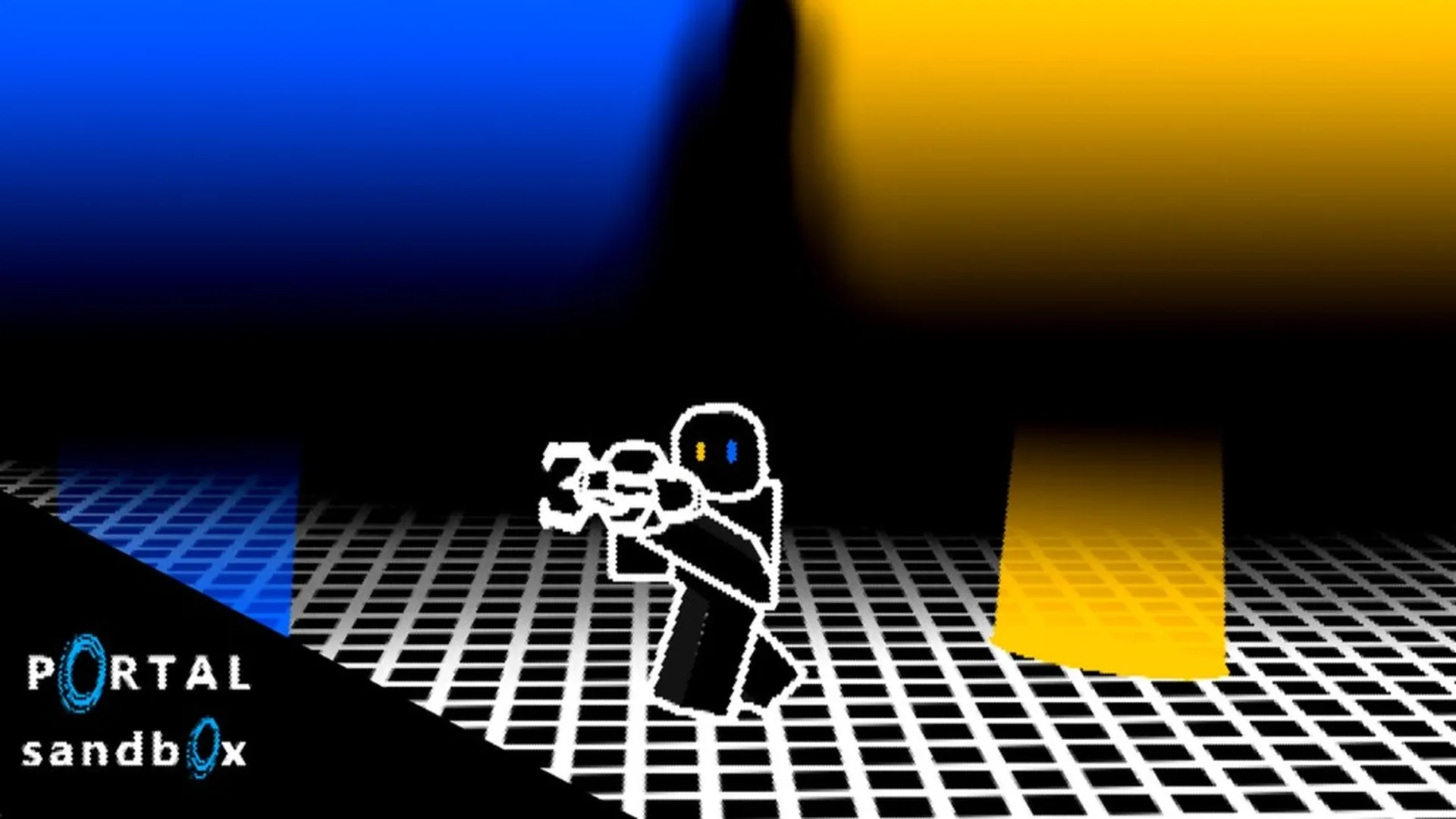
- Portal Sandbox map download: No verified official downloadable map file is currently listed.
- Official access: Use the Portal Sandbox Roblox page to enter the live experience.
- Private testing: Private servers are suited to solo experiments, layouts, and controlled building sessions.
- Safe practice: Avoid third-party files that claim to unlock maps, rewards, or hidden content.
- Best workflow: Enter, place portals, test the route, and record useful layouts with screenshots or notes.
Portal Sandbox Map Download Status
Portal Sandbox map download searches often suggest that a custom map file is available, but no verified official downloadable map package is identified in the current reference material. Portal Sandbox is presented as a Roblox action and sandbox experience where players experiment directly inside the live game environment.
That means the practical way to access its map content is to open the official experience, explore its available areas, and create your own portal layouts. Treat external “map download” pages with caution, especially when they request an unfamiliar file, browser extension, account login, or off-platform payment.
The official game page is the strongest starting point for checking the current experience:
| Search Intent | Current Safe Answer | Recommended Action |
|---|---|---|
| Portal Sandbox map download | No verified official map file is listed | Use the live Roblox experience |
| Portal Sandbox map | In-experience sandbox areas and player-built routes | Explore and test layouts directly |
| Custom map access | No confirmed external map import system | Use private sessions for controlled builds |
| Secret map file | No verified official source | Avoid unknown downloads and login prompts |
Do not install a file simply because its name includes Portal Sandbox. A third-party download is not confirmed by the official Roblox experience or developer information unless an official channel clearly publishes it.
How to Access and Test the Map
The most reliable map workflow is an in-game setup rather than a file download. Start from the official Roblox listing, equip the portal gun, and build a small route before attempting a larger experiment. This approach makes it easier to understand surfaces, movement, and portal connections without relying on unverified map claims.
The live experience is designed around open-ended testing. You can begin with a simple floor-to-wall connection, then expand toward object routes, elevated exits, and repeatable challenge layouts.
Open the official experience
Visit the official Portal Sandbox Roblox page and enter the current live version. Check that the page name and developer information match the intended experience before starting.
Equip the portal gun
Locate the available portal tool and equip it. The portal gun is the primary interaction tool for creating connected routes and testing movement across suitable surfaces.
Place the first portal
Aim at a visible, sufficiently flat surface. Begin with a nearby floor or wall so the first connection is easy to inspect and adjust.
Place the second portal
Select another compatible surface and create the second portal. Keep the destination close during your first test so you can quickly compare the entry and exit positions.
Record and refine the layout
Walk through the connection, observe the exit orientation, and change one portal at a time. Use screenshots or written notes if you want to reproduce the layout later.
| Setup Phase | Main Goal | Useful Practice |
|---|---|---|
| Entry | Reach the live experience safely | Use the official Roblox listing |
| Tool Setup | Prepare for portal placement | Equip the portal gun |
| First Route | Confirm surface compatibility | Start with floor-to-wall placement |
| Testing | Observe movement and exits | Walk through the connection |
| Recording | Preserve a useful design | Take screenshots or write notes |
A short route is easier to diagnose than a large build. Test one floor connection and one wall connection before adding height changes, objects, or multiple destinations.
Private Servers for Map Experiments
Private servers are the closest supported alternative to downloading a separate map for controlled testing. They provide a focused session for solo experiments, selected friends, creative construction, and repeated portal setups without as much public-server activity around the build.
Use the Portal Sandbox private-server section to review the available access options. Availability, permissions, and any Roblox-related requirements can change, so confirm the current details on the official page before making a decision.
Solo Experiments
Test portal placement, movement routes, and object interactions at your own pace. This is useful when you need several attempts to reproduce the same setup.
Friends-Only Builds
Invite selected friends to compare solutions, coordinate portal placement, and test cooperative routes without unrelated public activity changing the scene.
Creative Layouts
Arrange obstacle routes, demonstrations, and portal-based scenes in a controlled environment where the design can be inspected more carefully.
| Session Type | Best Use | Planning Advice |
|---|---|---|
| Solo | Learning controls and testing physics | Change one variable per attempt |
| Friends | Cooperative route testing | Assign each player a clear role |
| Creative | Building demonstrations or courses | Mark start, destination, and checkpoints |
| Repeat Testing | Comparing portal positions | Record the original layout before changes |
A private server does not automatically mean that a downloadable map file exists. It is a separate play environment for testing the experience as provided through Roblox. If you want to preserve a design, use your own screenshots, notes, or recorded layout instructions rather than assuming that an export feature is available.
Use a private server when your goal is a clean map-testing session. It provides more control while keeping the experiment inside the official Portal Sandbox experience.
Map Layouts Worth Recreating
Instead of searching for an unverified map file, recreate small layouts that teach a specific mechanic. Portal Sandbox supports creative experiments involving movement routes, object transfers, height differences, and connected viewpoints. Keep each build compact enough to reset and test repeatedly.
The following layouts are practical starting points. They describe experiments rather than confirmed downloadable maps, so adjust them to the surfaces and objects available in the current live version.
| Layout Idea | Required Setup | Test Objective |
|---|---|---|
| Floor-to-Wall Route | One floor surface and one wall surface | Compare entry and exit orientation |
| Checkpoint Course | Several recognizable areas | Reach each checkpoint through a planned route |
| Launch and Landing Test | Lower entry, elevated exit, safe landing space | Compare movement after height changes |
| Object Delivery Lane | Entry portal, destination area, movable object | Observe object transfer through the connection |
| Observation Loop | Multiple connected viewpoints | Study repeated movement between locations |
Traversal Route
Connect a lower surface to a nearby wall or elevated position. Focus on how the exit angle changes the next movement.
Object Delivery
Place an interactable object near an entry portal and observe its position after it reaches the destination area.
Portal Loop
Build a compact sequence of connections around a marked observation point. Move one exit at a time and compare the result.
Challenge Course
Use landmarks as checkpoints and attempt the route without replacing portals until the final destination is reached.
When a layout behaves differently, adjust only one factor: portal height, entry angle, exit position, object location, or approach speed. This makes the result easier to understand.
Map Download Safety Checklist and FAQ
Use this checklist before opening any page that promises a Portal Sandbox map download. Official Roblox links should remain your first reference, while unknown files and account prompts deserve extra caution.
Map Access Checklist:
- Confirm that the page links to the official Portal Sandbox Roblox experience
- Check that the content names Portal Sandbox rather than another portal-themed game
- Avoid executable files, browser extensions, and unfamiliar account-login forms
- Use a private server for controlled experiments instead of searching for unofficial map files
- Record useful layouts with screenshots or notes when no export option is confirmed
| Safety Check | Pass Condition | Warning Sign |
|---|---|---|
| Source | Official Roblox page or confirmed developer channel | Anonymous download page |
| File Type | No file required to enter the experience | Executable or unknown archive |
| Login | Roblox login remains on an official domain | Request for credentials elsewhere |
| Game Match | Page clearly identifies Portal Sandbox | Another portal-themed Roblox game |
| Map Claim | Describes in-game access accurately | Promises secret files or guaranteed rewards |
Portal Sandbox may change as new mechanics and building options are introduced. Separate current observations from older notes so an earlier layout is not mistaken for a feature available in the live 2026 version.
Q: Is there an official Portal Sandbox map download?
No verified official downloadable map file is listed in the current reference material. The safe method is to access the live Roblox experience and explore or recreate layouts in-game.
Q: How can I test a Portal Sandbox map without public-server interruptions?
Use a private server when available. Private sessions are suited to solo experiments, selected friends, creative construction, and repeatable portal testing.
Q: Can I import a custom map into Portal Sandbox?
A confirmed public map-import system is not identified. Do not assume that a third-party file can be imported unless the official experience or developer channel explicitly documents that feature.
Q: What should I do if a map download asks for my Roblox login?
Leave the page unless the login remains on an official Roblox domain. Do not provide credentials to an unfamiliar site or install software to unlock a claimed map.